
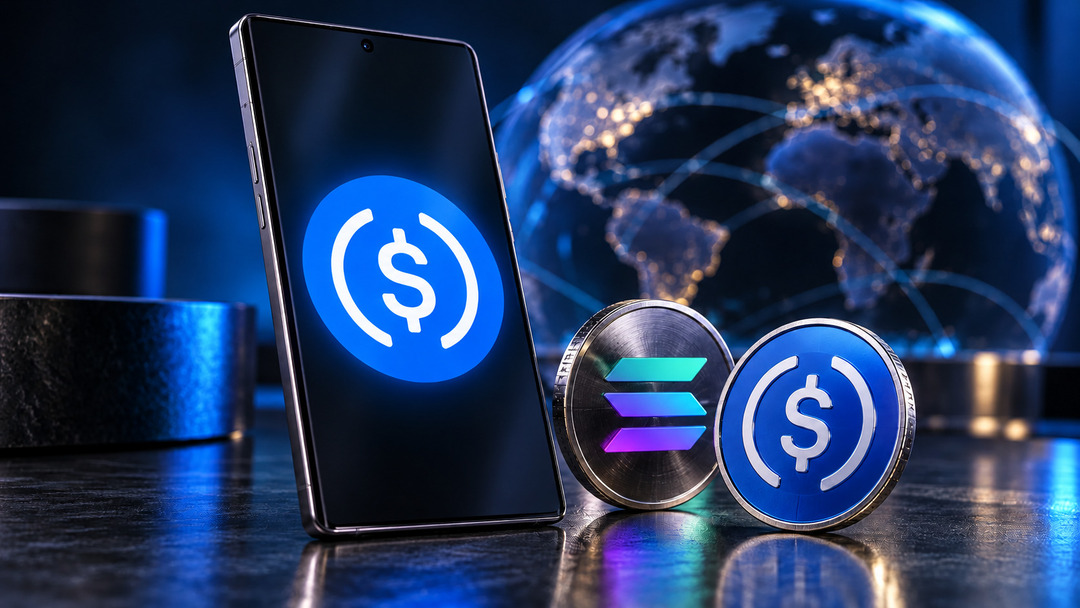
Samsung Wallet USDC support could make sending digital dollars feel as routine as opening the payment app already on a Galaxy phone. Ahead of the planned late-October 2026 rollout, the important decision is where those dollars will arrive: a compatible crypto wallet or a bank account receiving local currency.
Announcements on October 7–8 set out a service for eligible U.S. Galaxy users, with regulated partners handling the money. For beginners, the useful question is whether the recipient can receive the chosen transfer—and what completing that payment will cost.
Samsung Wallet USDC access starts with eligibility
Owning a Galaxy phone does not automatically qualify someone for the service.
Samsung’s published eligibility and transfer terms require eligible U.S. residents to be at least 18, have a Samsung Account, and use a compatible Galaxy device running Android 13 or higher. Registration, identity verification and biometric authentication setup are also required.
That makes eligibility the first checkpoint. Someone outside the United States should not assume that an international recipient’s country being supported also makes them eligible to open a sending account.
Before moving money into the service, confirm that the feature is available on your device and that registration is complete. Treat the launch announcement as a timetable, not confirmation that your account is ready.
Your phone authorizes transfers; partners hold the funds
Samsung supplies the familiar interface, but the stablecoin account involves other companies.
Bastion says it manages account balances, custody, compliance and transfer operations. Coinbase serves as the USDC sub-custodian through Coinbase Prime Vault, a role described in its stablecoin custody announcement. Samsung says it does not hold customer funds.
Users will not need to manage private keys themselves. That reduces a technical burden, while making access dependent on the service’s account procedures and partners.
Understanding custodial accounts versus self-custody helps explain the arrangement: authorizing a payment on your phone differs from personally controlling the keys behind the assets.
Biometric approval protects the instruction to send money. It does not, by itself, establish that the recipient is trustworthy or that the destination details are correct.
Before keeping a substantial balance, examine account recovery instructions, available support and the terms governing withdrawals. Those details become especially relevant if your registered device is lost or replaced.
Wallet transfers and bank payouts have different costs
Samsung is offering two different payment routes. Choosing between them starts with what the recipient wants to receive.
For transfers to compatible external crypto wallets, Samsung says it charges no transfer fee. Receiving wallet providers or exchanges may impose charges, and delivery speed depends on network conditions.
Bank payouts follow different terms. The announced service covers eligible accounts in more than 60 countries, with local-currency delivery through payment partners. Fees vary by destination and amount; Samsung says the app will show the fee and estimated delivery time before confirmation.
Here is the practical comparison:
| Check | External crypto wallet | Eligible bank account |
|---|---|---|
| What arrives | USDC on a supported network | Local currency |
| Destination requirement | Compatible wallet or exchange account | Supported country, bank and account |
| Published fee position | No Samsung transfer fee; receiving provider may charge | Fees vary by destination and amount |
| Timing consideration | Blockchain conditions | Payout estimate and banking eligibility |
A wallet transfer may suit someone already using USDC. A bank payout may be more useful when the recipient needs money for ordinary expenses without opening a crypto wallet.
Compare the complete payment, including any later conversion or withdrawal the recipient would need. A low-cost first step does not establish the cost of reaching spendable local currency.
The recipient’s network needs its own check
USDC support alone does not establish compatibility between two services.
Samsung names Solana and Sui among its network partners. Its external-wallet terms require the receiving wallet or exchange to support USDC on a blockchain network supported by Samsung Wallet.
Ask the recipient to confirm the exact asset and network accepted by their receiving account. Then check the destination details against the options actually offered in the app.
If the recipient uses an exchange, review its deposit instructions rather than relying on a wallet address copied from an old message. Where minimums and fees permit, a small test transfer can help confirm the receiving route before a larger payment.
That check should happen even when the app makes sending feel straightforward. Reducing the number of steps does not remove the need to understand the destination.
A dollar-linked token still needs a local-currency quote
USDC is designed to be redeemable one-for-one for U.S. dollars. That dollar relationship does not fix how much another currency the recipient will receive.
Bastion says it converts USDC and routes bank payouts through local regulated partners. For that route, compare the total amount leaving your account with the local-currency amount quoted for delivery.
The useful measure is the amount actually received. Consider the displayed fee, conversion terms and delivery estimate together, particularly when comparing the service with an existing remittance provider.
A recipient expecting a specific amount for rent or another bill needs that payout figure. The number of digital dollars sent is only part of the calculation.
Late October will test the practical details
Samsung plans the rollout for the last week of October 2026. Its announcement identifies online and tap-to-pay stablecoin purchases as possible future capabilities, alongside potential expansion into additional markets.
At launch, check the country list, supported receiving networks, account limits and recovery guidance made available in the service. Actual transfer quotes will also give users a firmer basis for comparing costs than the headline promise of easier payments.
Samsung Wallet USDC could lower the effort involved in sending digital dollars from a familiar device. Its value for beginners will depend on a more concrete result: an eligible sender choosing the correct route and a recipient receiving usable money at an understood cost.